
There are lots and lots of factors that effect the way a rendering will turn out, but there is one that always seems to be the most common factor, the placement of the sun. This may seem simply and silly, but when you have no artificial lighting it is very important. I made a new tutorial for Greg and everyone else to see.
Basics of Rendering Interiors with Sun Only.
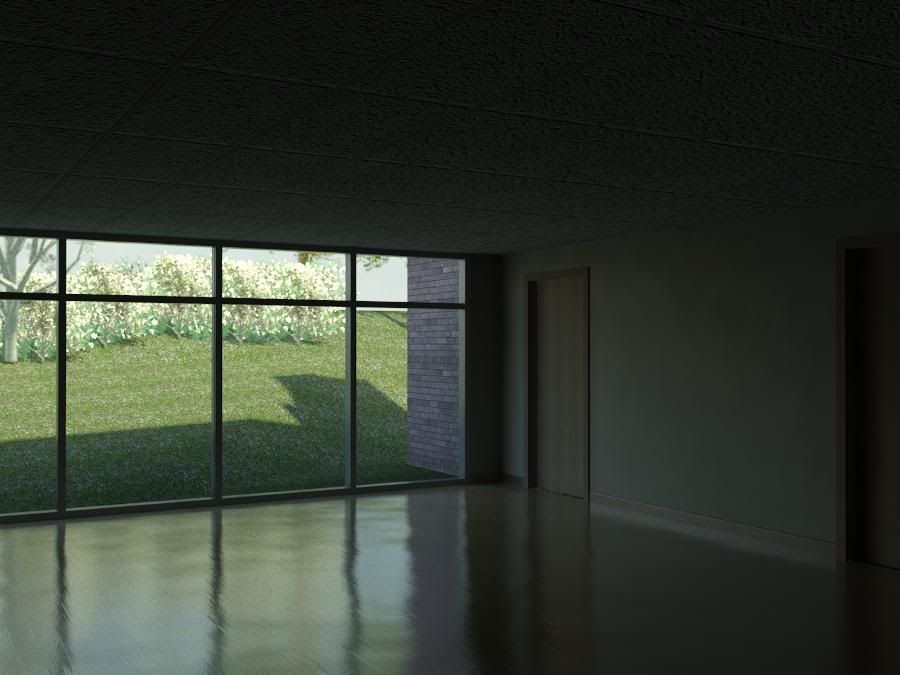
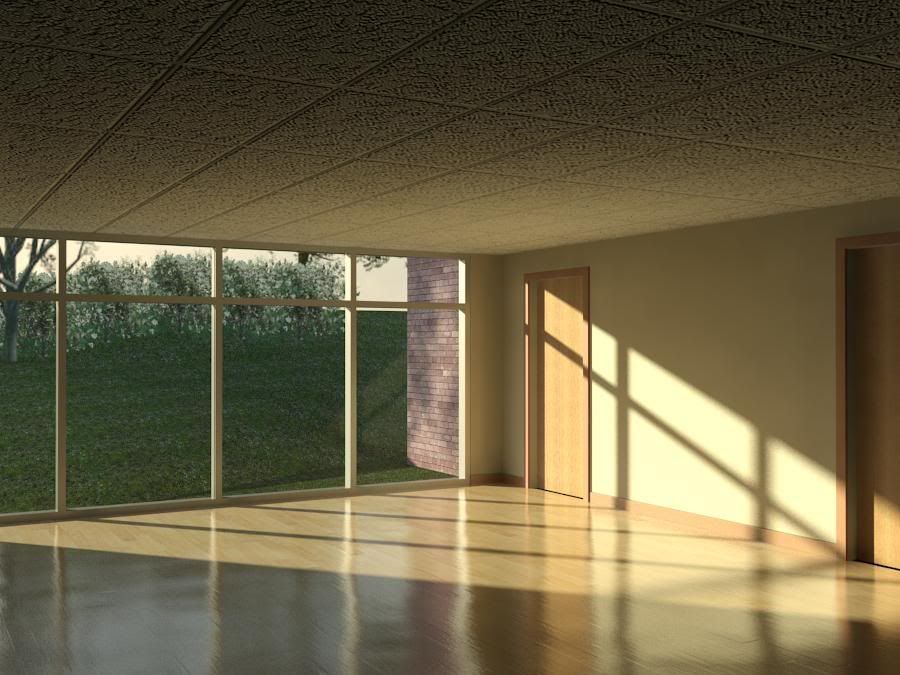
Here are the images I rendered:
The Basics of Rendering - Dark
The Basics of Rendering - Light
Thanks again to Greg for the question. This is exactly how I wanted and planned the site to be run. Lots of questions and lots of video answers!

Any advice on how to work a couple skylights into the interior daylighting renders?
ReplyDeleteGood suggestion. I will see what I can conjure up in the next few weeks!
ReplyDeleteis there a way to show how to include artficial lighting with sunlight? For some reason I am having probs when rendering artficial with sun... seems like artifcial doesnt even turn on?!?
ReplyDeletehow did you get this rendering to be so realistic ..? did you export to 3D max or what please explain
ReplyDeleteThanks
trentmichalson@yahoo.com
It's all Revit. Watch the video and see... nothing but Revit.
ReplyDeleteI have a room that has an orientation that does not receive direct sun all day. Therefore, I need some artificial light. However, I am having difficulty because when I turn the interior lighting on it is washing out the exterior view. Do you know of articifial light settings that will fix this?
ReplyDeleteThanks!
Very helpful, as are all of your tutorials. Thanks for being here!
ReplyDelete