Clicky Web Analytics
presentation
documentation
creation
automation
bim after dark live
Showing posts with label door schedules. Show all posts

Thursday, February 17, 2022

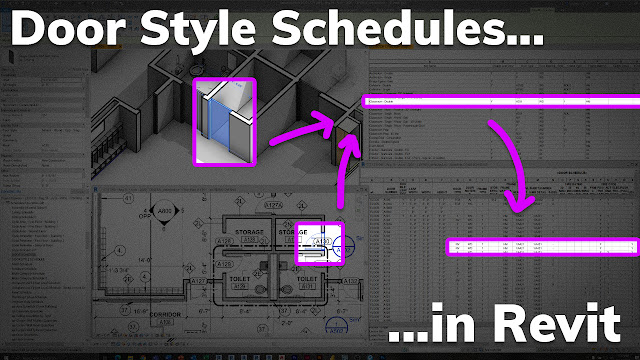
Door Style Schedules in Revit to SAVE TIME! (Office Hour Sessions)


On this episode of the Office Hour Sessions, community member Reggie asks a great question about making door schedules more efficiently, which lead us into a tutorial about door style schedule in Revit.  How to save time making door schedules, be more efficient with your schedules, and not be stuck using door parameters from downloaded families. 


Oh, and we talk about using the same method on Room Finish Schedules... ;)


Every other week I hold a private call with members of the BIM After Dark Community (https://community.bimafterdark.com/).  I thought it would be valuable to highlight some of the conversations here on the channel.


If you think you could benefit from an Office Hour like this one, Join the BIM After Dark Community for full courses, support, and sample files today !


Click here to view the office hour session tutorial now... 


Tuesday, January 25, 2011

Revit Tip - Nested Families and Scheduling

Great tip over at Revit Clinic...  I actually noticed this a while back when using schedules to count plumbing fixtures... Not exactly the same thing, but very similar....


Starting a new series today, with some quick one question Revit quizzes.  If you have any feedback please do not hesitate to leave some comments below…
The scenario is as follows:
 DoorFamilySchedule
You have a custom door family, containing 2 nested shared door families.  You use the host family to lay out the nested families.  When you schedule the doors, you notice each instance of the custom family is being counted as 3 doors versus the expected 2.  Why is this?