Clicky Web Analytics
presentation
documentation
creation
automation
bim after dark live
Showing posts with label solar study. Show all posts

Monday, January 16, 2017

Revit Tutorial - True Solar / Shadow Studies


Here at TheRevitKid.com, 2017 is going to be the year of "bringing sexy back".  That means many of the tips, tricks, tutorials, and reviews will be related to presentation and visualization.  So, for the first post of 2017 we are going to attack a common problem for many designers using Revit.

You may have made floor plans with shadows in Revit.  Additionally, you may have created solar studies of your designs in Revit.  If so, you have probably run into a little issue when it comes to accurately depicting sun and shadows in Revit floor plans.

By default, your shadows will reflect what the floor plan view shows, which is a cut at 4'-0" above your level.  For typical presentations, this looks great.  But if your goal is to accurately represent the sun and shadows within your space, cutting the building at 4'-0" will not help!

...Continue reading to view a video tutorial that demonstrates how to make floor plans that accurately represent how your sun and shadows will appear.  Oh, I also touch on how to make a solar study animation... ;)

Tuesday, May 18, 2010

Revit Tutorial - Solar Radiation Technology (Revit Clinic)

I have been waiting for this tool for a while and some documentation/information about it...  It has been within Ecotect for a long time but now you can use it directly inside Revit.  Thanks to The Revit Clinic for the post.


Creating an Analysis Display Style in Revit 2011

Using the recently released Solar Radiation Technology Preview, we can create or modify an analysis display style.  Additional documentation is also available in the video here.


By default, the solar radiation add-in will create an analysis display style calledSolar Radiation Default.  You can access the menu under the view Properties >Analysis Display Style.  Once in the menu there are 3 tabs to modify the display style settings or create a new style; SettingsColor & Legend.
Let’s look at the Settings tab first:
The only option here is if you would like to see or hide gridlines in the analysis view:
Section1 

Sunday, February 22, 2009

Rendering an Interior Scene with Sun Only.

7 comments
I received an email from a man named Greg (thanks for the question!) who asked a question about my renderings on this blog. He asked about how I managed to get the sun light to look so bright and hit the building perfectly.

There are lots and lots of factors that effect the way a rendering will turn out, but there is one that always seems to be the most common factor, the placement of the sun. This may seem simply and silly, but when you have no artificial lighting it is very important. I made a new tutorial for Greg and everyone else to see.

Basics of Rendering Interiors with Sun Only.


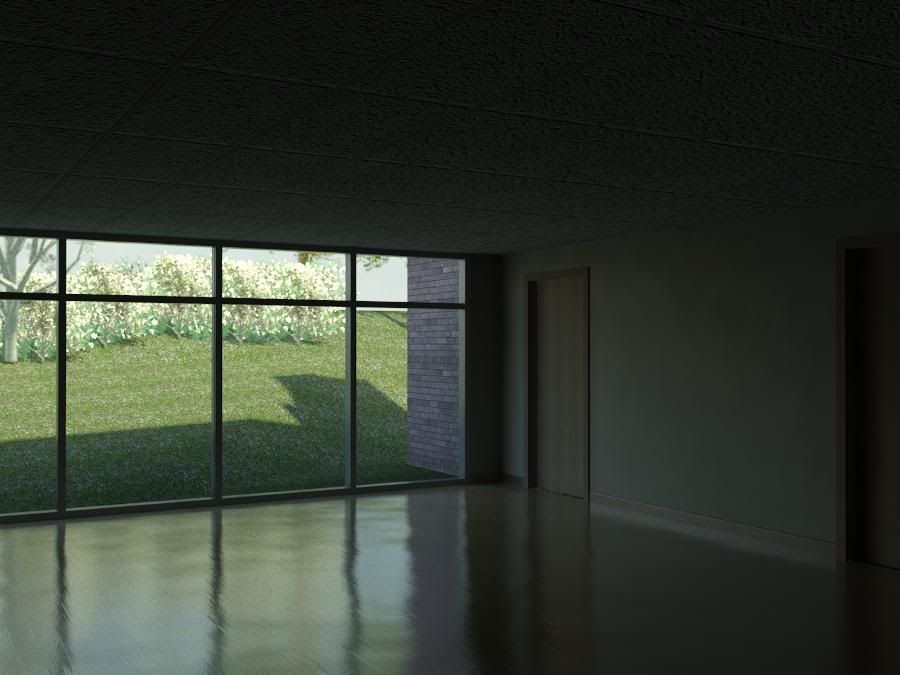
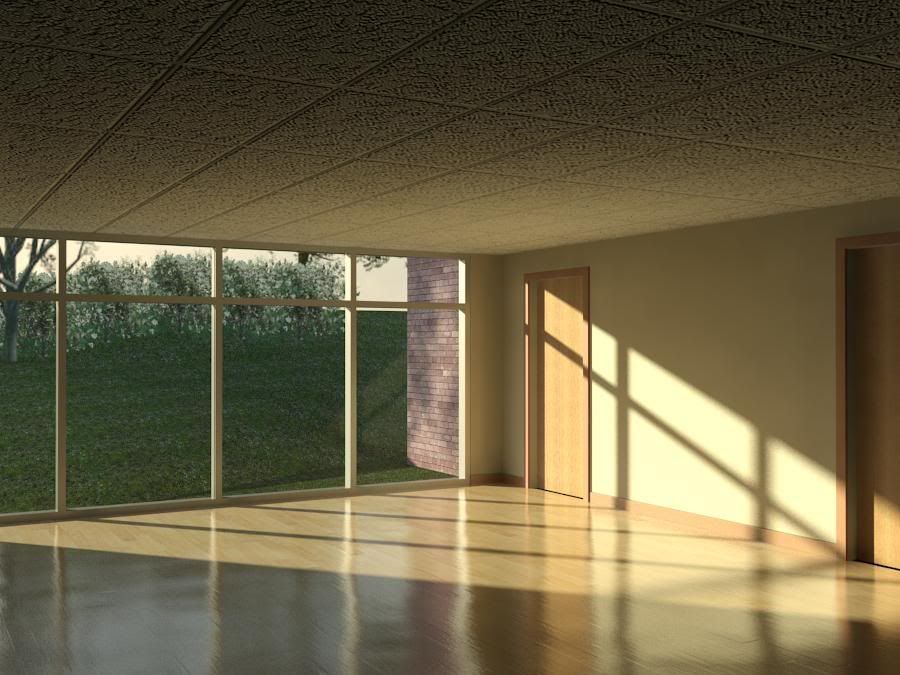
Here are the images I rendered:

The Basics of Rendering - Dark

The Basics of Rendering - Light

Thanks again to Greg for the question. This is exactly how I wanted and planned the site to be run. Lots of questions and lots of video answers!