Clicky Web Analytics
presentation
documentation
creation
automation
bim after dark live
Showing posts with label revit 2009. Show all posts

Monday, April 20, 2009

Revit 2010 vs. Revit 2009 - Rendering

8 comments
All over the blogosphere and the internet there is talk about the rendering speed on Revit 2009 versus the rendering speed on Revit 2010. I took it upon myself to run a few tests of my own. Long behold, Revit 2010 WON!

First, here are the specs of the machine I rendering on:
  • 15.4" Macbook Pro
  • Windows Vista Home Premium 64bit (Bootcamp 2.1)
  • 4gb Ram
  • Intel Dual Core 2.4
I had no other programs running. I first ran the render with Revit 2009. The settings for both rendering were identical:
  • Quality - Medium ( I didn't feel like sitting there all day)
  • Resolution - Screen (1180 x 537)
  • Lighting - Exterior (Sun only)
And the results:
  • Revit 2009 = 6:38
  • Revit 2010 = 4:57
That is a total increase on rendering time of 1.41. I ran the test a few more times and it came out to the exact same numbers. If i did my math correct that is a 25% increase in rendering time. Therefore, if this stays constant a 1 hour render in Revit 2009 will only take 45 minutes in 2010. It is getting there... If they would only introduce multi-core support for Revit rendering...
My second test (same scene and settings except for Quality being set at Best):
  • Revit 2009 = 4:5:36
  • Revit 2010 = 3:10:58

Roughly, 25% increase! Looks to be constant!


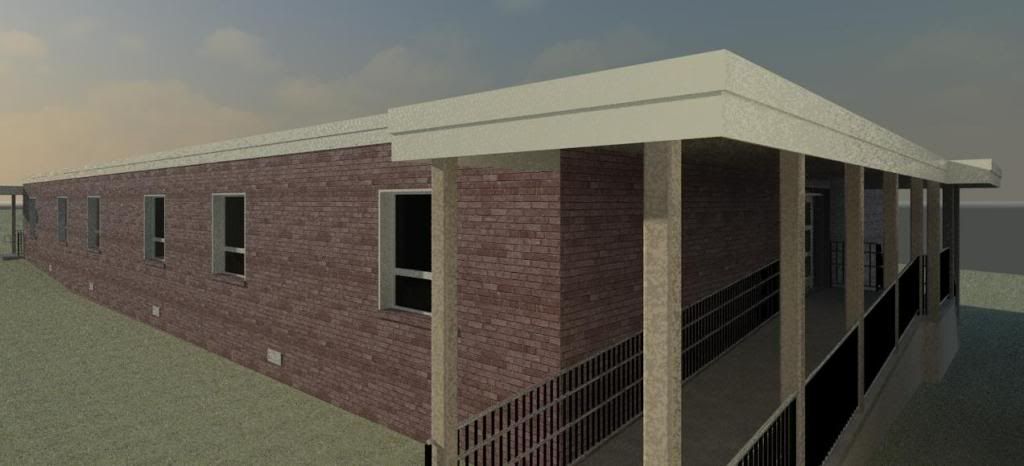
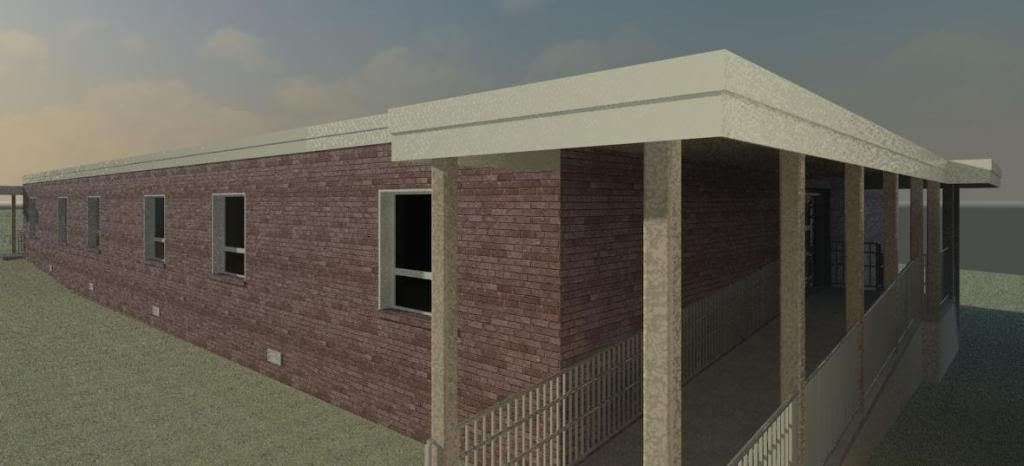
Here are the images that were rendered (these are on Medium Quality):
Perhaps I will do a few more studies adding in artificial lighting and different factors. Furthermore, we have a number to spit out when the conversation about how much "faster" the new Revit is. I believe I am the first one to do a full out bench mark test and publish it. So feel free to spread it around!

Sunday, February 22, 2009

Rendering an Interior Scene with Sun Only.

7 comments
I received an email from a man named Greg (thanks for the question!) who asked a question about my renderings on this blog. He asked about how I managed to get the sun light to look so bright and hit the building perfectly.

There are lots and lots of factors that effect the way a rendering will turn out, but there is one that always seems to be the most common factor, the placement of the sun. This may seem simply and silly, but when you have no artificial lighting it is very important. I made a new tutorial for Greg and everyone else to see.

Basics of Rendering Interiors with Sun Only.


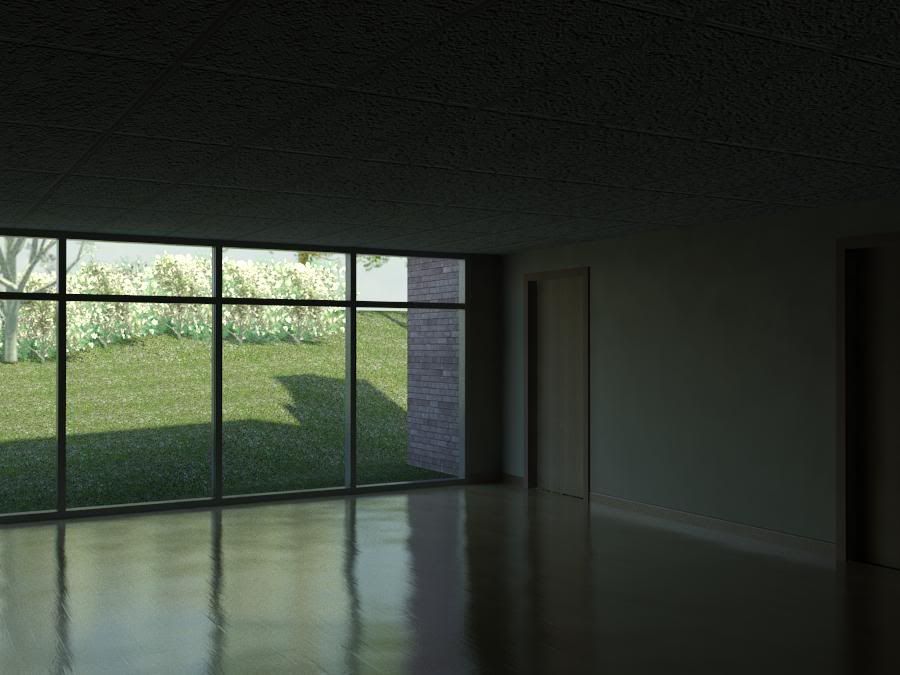
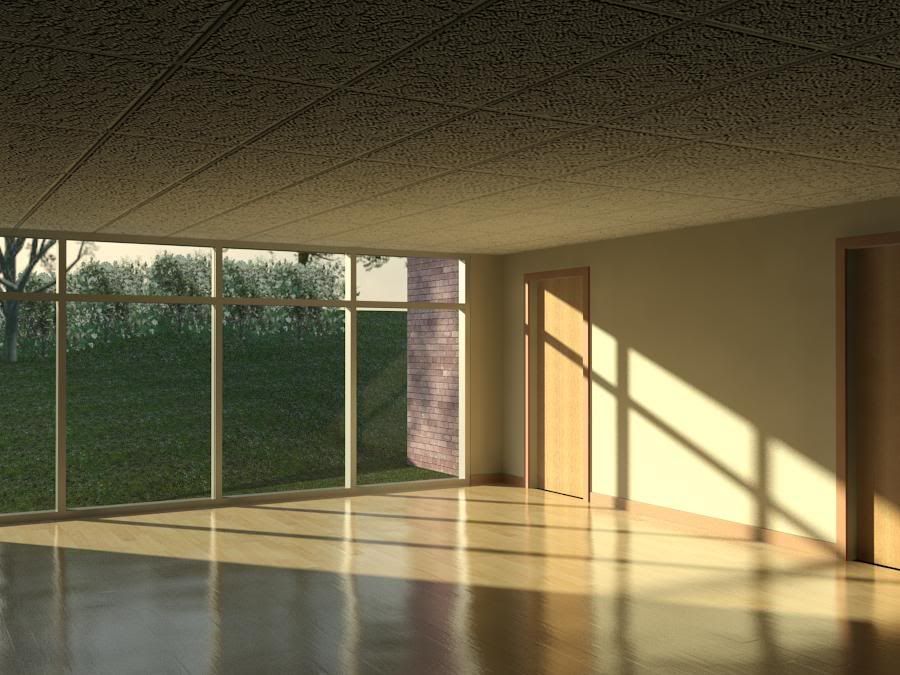
Here are the images I rendered:

The Basics of Rendering - Dark

The Basics of Rendering - Light

Thanks again to Greg for the question. This is exactly how I wanted and planned the site to be run. Lots of questions and lots of video answers!