First, I would like to apalogize for the slacking of posts for the past few weeks. It turns out that school is taking up quite a bit of my time. Those of you in a Design Studio along with 4 or more other classes know what I mean... I am posting every chance I get.
Second, I am FINALLY BACK IN THE DESIGN STUDIO! Very excited to be designing in the studio again (it has been a few semesters because of graduating and tranferring, etc...). Anyways, for those of you who might remember way back when I began the blog (over a year and 300,000 hits ago), I created a little series called Revit Classroom Workflow. Well, I created this series after finishing my second semester using Revit in the Studio. Now, I am putting my workflow to the test. Without even realizing it, I have already finished the first step "Conceptualization". The best part about it is that I did not even think about my workflow chart until after I finished my concept vignette in the studio.
What I have decided to do is to track my studio project on the blog and parralell it with the Revit Classroom Workflow Chart I created. So, here we go...
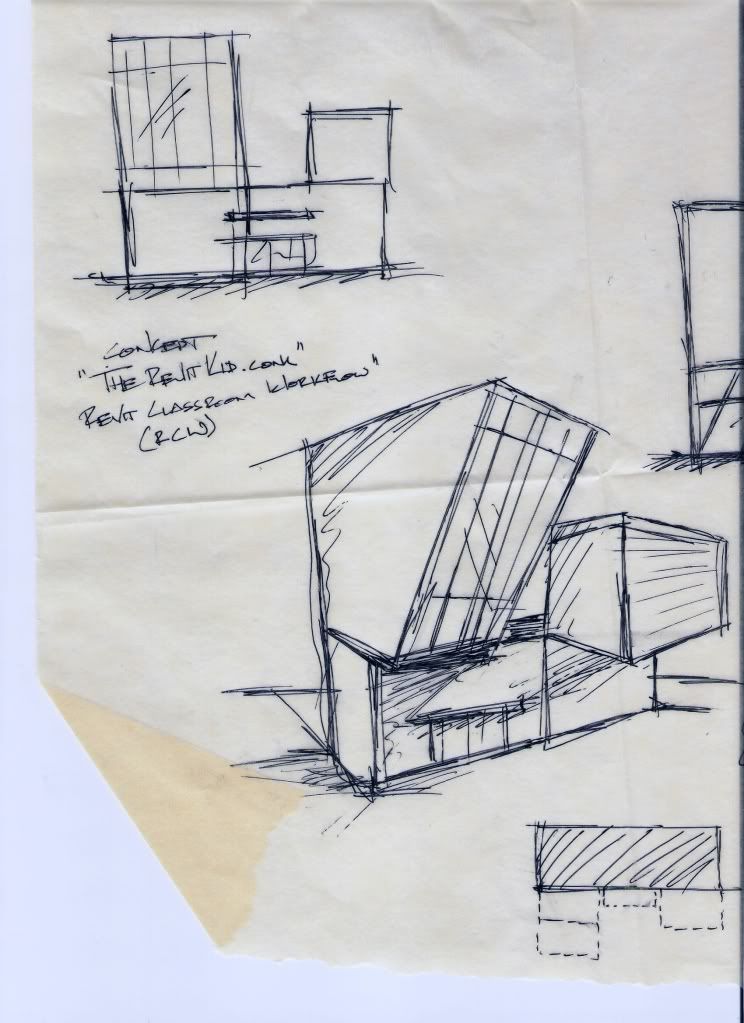
The first step, Conceptualization, worked out great. My professor gave instructions for the vignette that require a site analysis as well as two conceptual massing models (3D and physical). Just as the Revit Classroom Workflow states I sketched out a bunch of massing ideas. I then went into Revit and created some of the more refined masses using a simple model in place family.
I then used my Revit models to create some 8.5"x11" sheets of plans and elevations printed to the scale of my model. Finally, it was simply a matter of cutting out the pieces using my Revit model and creating a physical model (I only used the main faces from the Revit model, this way I got a really good physical feel of my forms).
Here is a slide show of the second concept (most likely the one I am going with). Two images are from the Revit Model and the rest are of the physical model: