Clicky Web Analytics
presentation
documentation
creation
automation
bim after dark live
Showing posts with label buildz. Show all posts

Thursday, May 12, 2022

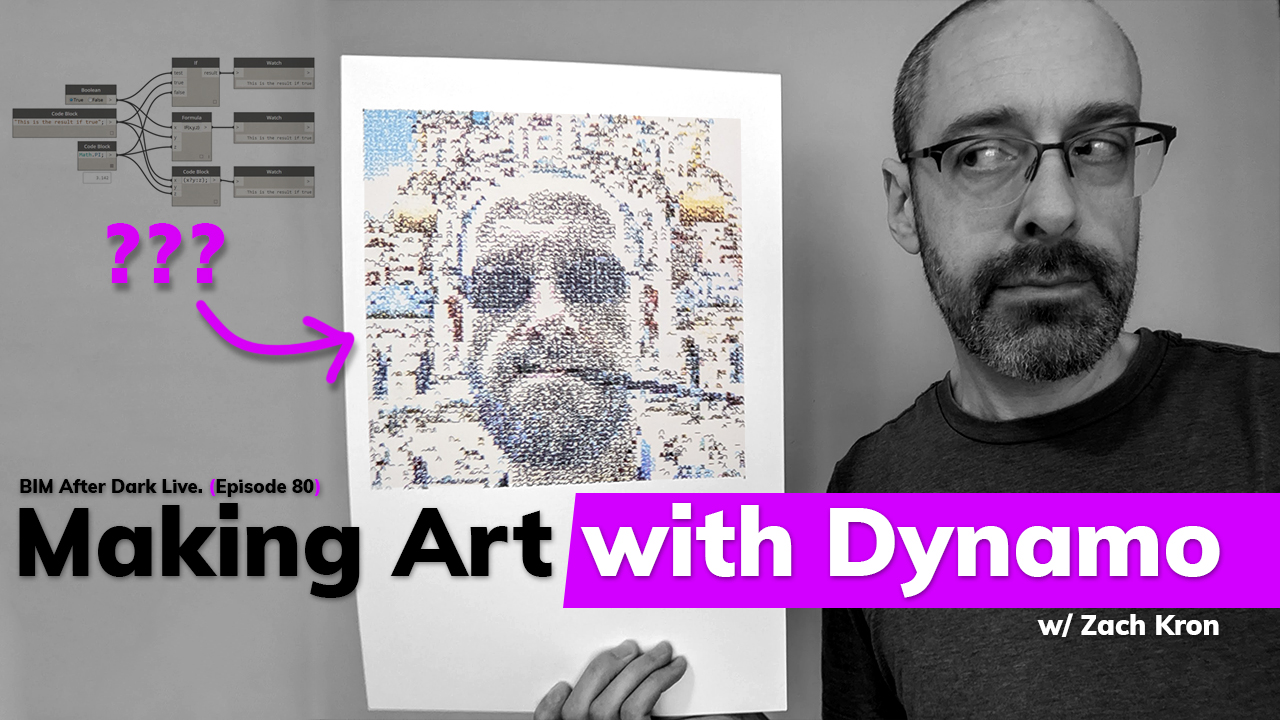
Making Art with Dynamo (w/Zach Kron) - Replay


Well... That was a fun one!!!

If you missed last nights episode of BIM After Dark Live, check it out right now...

Zach Kron joined us to talk about how he makes art with Dynamo using a pen plotter...  We talked about why he decided to make his art, what inspired him, his process, and he even created a piece LIVE on the show!!  

Click here to watch the replay now....

Don't forget to thank our sponsor this season!



Twinmotion is supporting this season of BIM After Dark Live and I can't be more excited about it.  You know I won't ever represent a product I don't use and believe in and this is no different.  If you have not heard of Twinmotion or want to learn more I have a bunch of previous videos and reviews listed here...

Be sure to use THIS LINK to download a free trial now to see for yourself!

I also have a FREE from Revit to Twinmotion course you can sign up for here....


Sunday, January 9, 2011

Revit Tutorials/Tips - Parametric Pattern Series

I really hope that this post is old news to all of my readers.  Why?  Because you should be checking out Zach's blog EVERY SINGLE DAY!

Anyways, Zach over at buildz, has been posting a great series called "Parametric Patterns" based on the book Elements of Parametric Design.Sadly I still have yet to purchase the book (it is a bit expensive on a students expense list), but I do plan on buying it one day.  Fortunately, Zach has been breaking down the topics of the book in his blog with great articles, videos, and images.  Personally, I am printing his posts and making a nice book of my own out of it!  I have linked the series below (even though it does not seem to be over just yet.):


Keep an eye out on Zach's blog for more to come... Thanks for the posts Zach, they are great!


Tuesday, December 14, 2010

Revit Tutorial - Parametric Patters 2 (buildz)

Zach, do not stop producing these insanely great videos...  People always ask me, "So, who knows Revit better than you?"  Of course, I can count 15 people right away but the first one that always pops in my head is Zach Kron.  Every single reader of mine who, I assume, uses Revit should subscribe to his blog... or at least check it everyday!

In all honestly, I felt as if I hit a plateau in Revit a few months back. I felt like it became more of a tool that created the images and documents I needed... Between your posts, Autodesk University, and a select others, a new life has been sparked in my reviteering. I cannot wait to finish up this semester (tomorrow!!) and begin posting and fooling around in Revit again..


Instead of reposting Zach's great article I will just post a nice teaser picture and let you all explore Buildz:

Monday, November 22, 2010

Revit Tip - Parameter Values from Image (buildz)

Again, an excellent post from Zach over at buildz...


I’ve dedicated way too much space in this blog to the “Parameter Values From Image” plugin for Revit, partly because the results can be so cool, partly because it’s a nice general illustration of the power of generic API tools to expand Revit’s capabilities. So here is one more. I have a Vasari specific installer for this plugin that you can download from here. There are also some example files and the readme from the Revit SDK where the original C# code lives. While this is only for Vasari, I will do my best to make one for Revit sometime soon...

... Click here to see how he did it and a video....

Thursday, October 14, 2010

Patterns and Zone Porosity - Buildz

Another cool post from Zach using panels, patterns, and such...  Very inspirational stuff.

Patterns and Zoned Porosity


I keep messing around with this shape, there’s some kind of special something to it that I haven't figured out yet.
It shows up in lots of places. I’ve been looking at this one for a while, the Jean Nouvel Louvre project. It uses several layers of this shape in a patterned screen, then varies the size of the frame and the overall shape to create different levels of porosity

Click here to see more great images and the rest of the post...